Say what your agents pay for
Rulebook asks a few simple questions about your payments, like a colleague would.
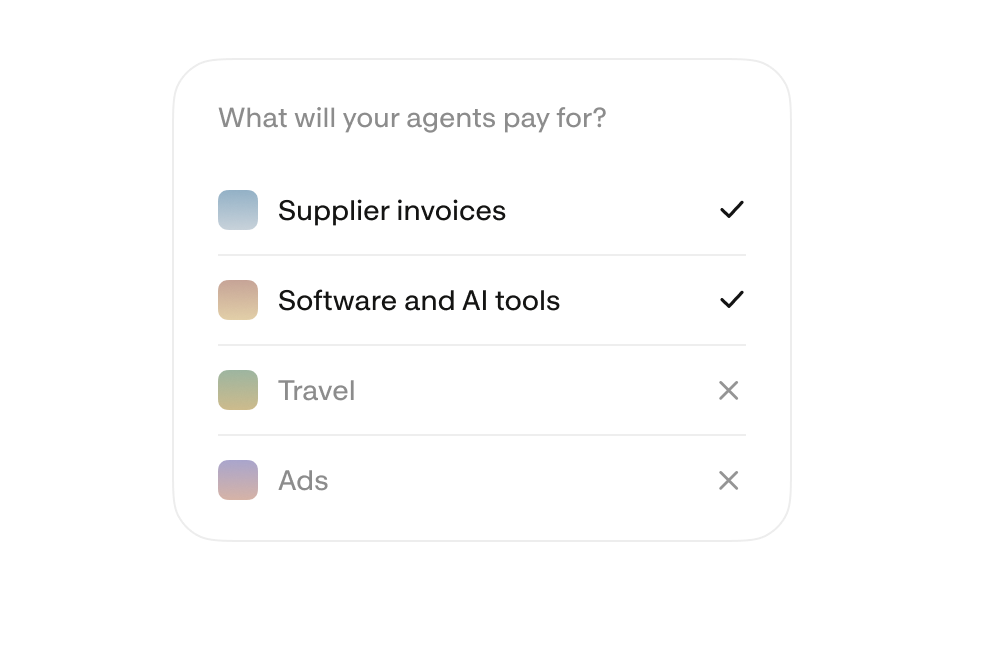
Set a rule on anything. Describe a limit in plain words, and Captal checks every payment against it before the money moves.

How it works
Rulebook asks a few simple questions about your payments, like a colleague would.
It suggests the limits that fit, in plain words. Change anything, or add your own.
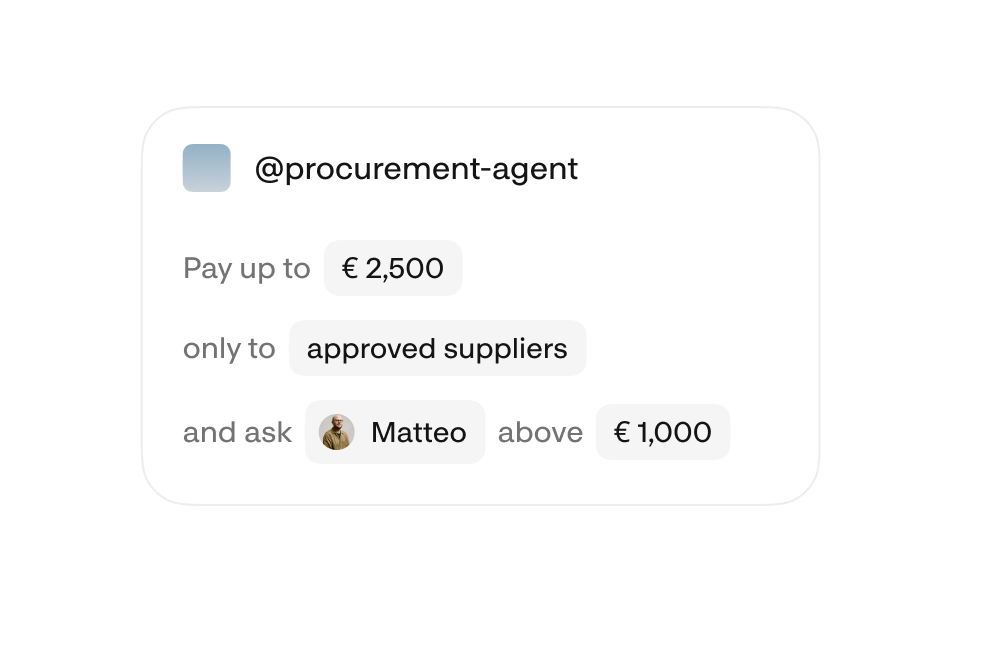
Captal checks each payment before the money moves. Outside the rules it stops. If unsure, it asks a person.
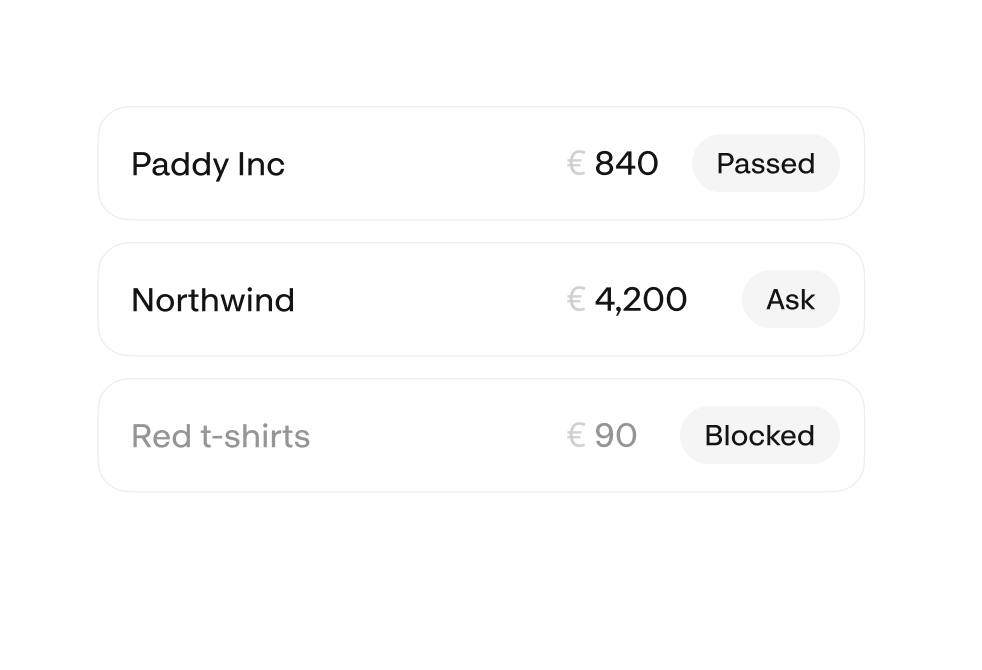
What you get
Amounts, suppliers, days, categories, even the colour of a product. If you can say it, you can set it.
Rulebook looks at what your agents pay for and suggests the limits that fit.
Amounts, payees and dates are always enforced. For anything less clear, Captal asks a person.
Rules follow the agent across every card, account and merchant.
Write the same rules as code, or let your agent set them through MCP. Try everything in the sandbox first.
Coming with the sandbox
No. Describe the rule in plain words and Rulebook sets it up. Developers can manage the same rules through the API.
Anything you can describe: amounts, suppliers, dates, categories, or details of what is being bought.
It reads what the agent and the seller declare about the purchase. If it is not sure, it asks a person before paying.
It is declined, or held for approval if you have set an approver for that case.
Tell Rulebook what your agents pay for, and see every payment checked.