Guard learns what is normal
For each agent: usual amounts, payees, times and tasks.
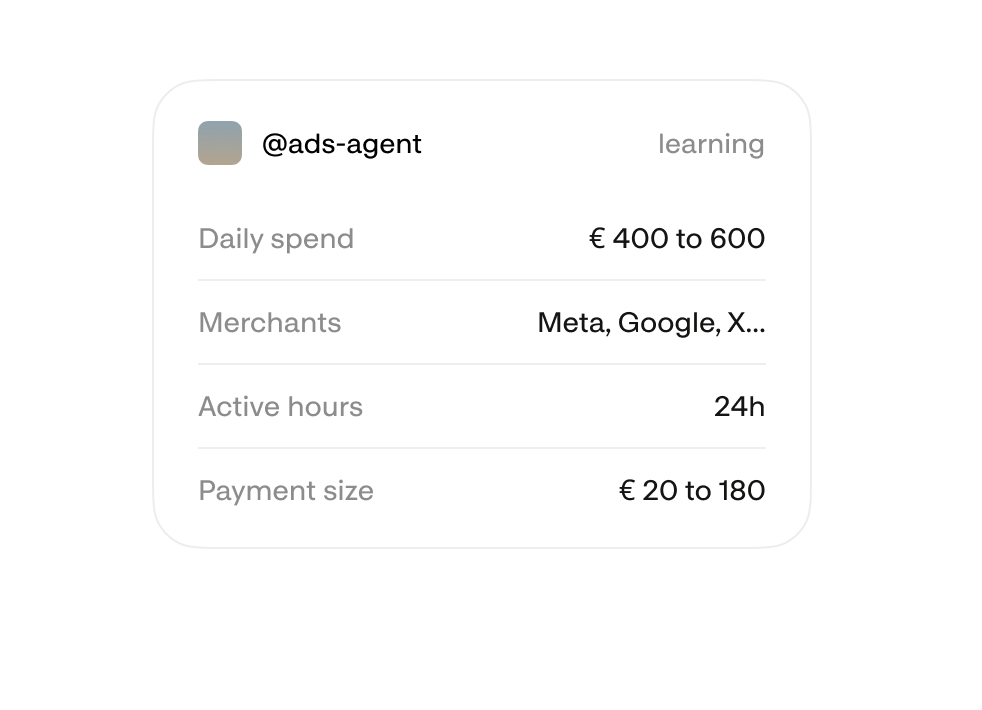
Freeze a misbehaving agent instantly. Guard watches every payment request for unusual behaviour, like sudden spikes, new payees or requests that do not match the task, and stops the agent before money moves.

How it works
For each agent: usual amounts, payees, times and tasks.
Spikes, new payees, repeated attempts, or payment requests that do not match the task.
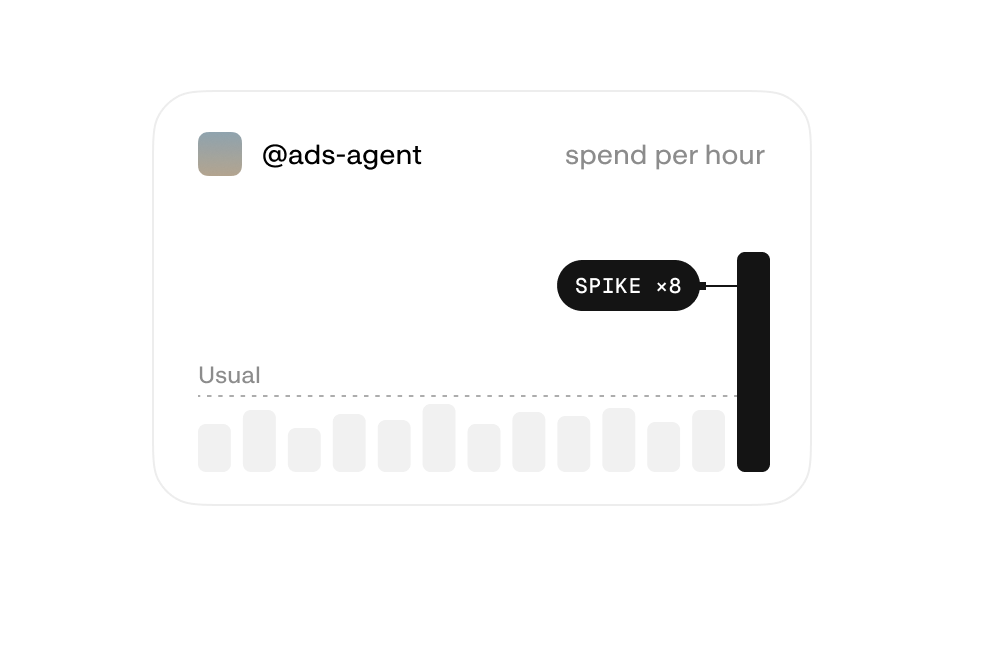
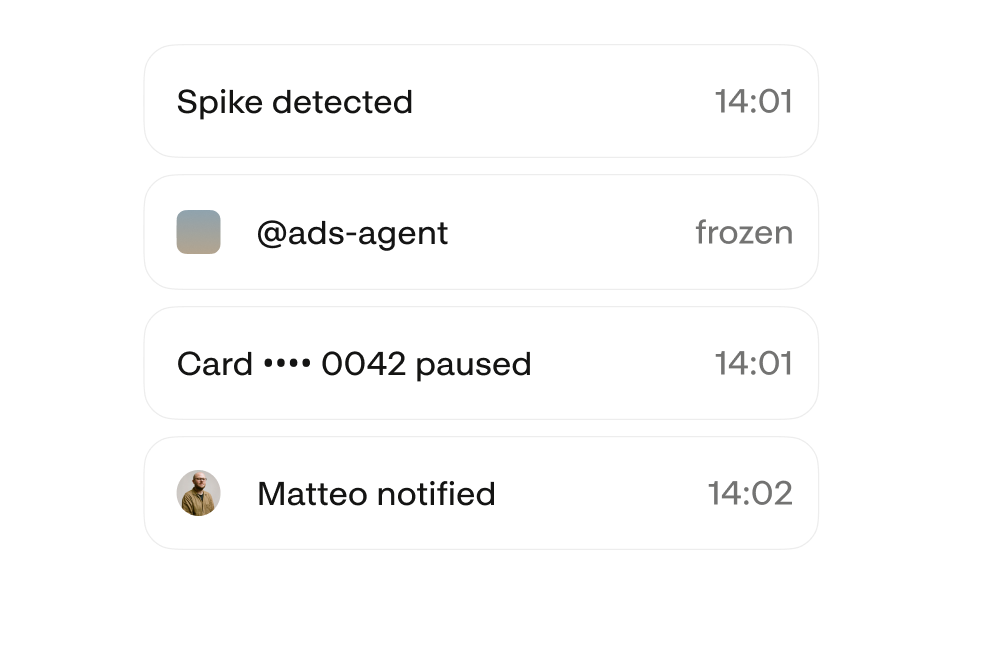
Guard holds the payment, freezes the agent and alerts you. One click to resume.
What you get
Catch spending that does not look like the agent's usual work.
Freeze one agent, a team, or every agent at once.
Hold the first payment to any new payee until someone checks it.
Flag payments that do not fit the agent's task, a common sign of prompt injection.
Install the SDK or connect any agent through MCP. Try everything in the sandbox before you go live.
Coming with the sandbox
Amounts, timing, payees, frequency and whether a payment fits the task the agent was given.
It can hold unusual ones. You decide how strict it is, and one click releases a held payment.
Yes. The kill switch works from the dashboard, the API and the mobile app.
Turn on Guard and test the kill switch in the sandbox.