Issue a card for the agent
Virtual cards are ready to use as soon as you create them.
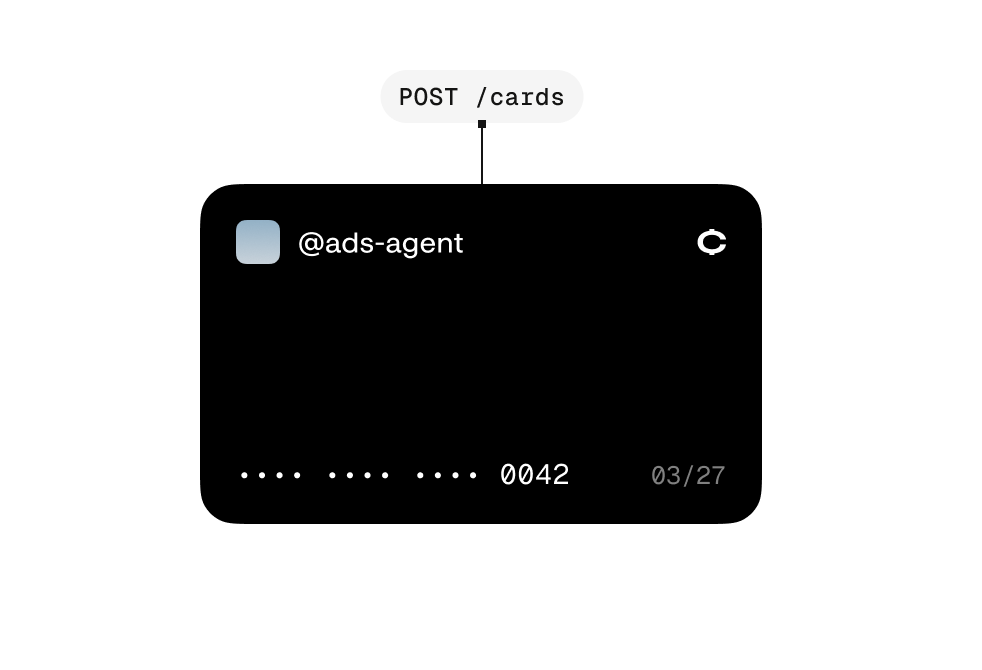
A virtual card for every agent, locked to its job. Issue cards in seconds, restrict them to merchants, amounts and dates, and freeze them with one tap.

How it works
Virtual cards are ready to use as soon as you create them.
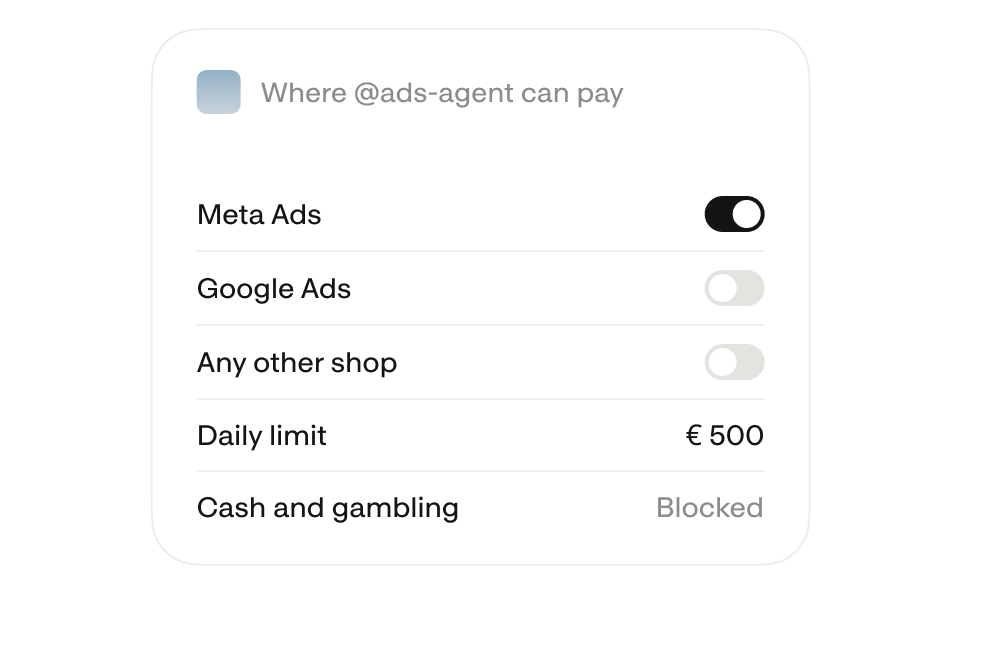
Choose merchants, categories, amounts and an expiry date.
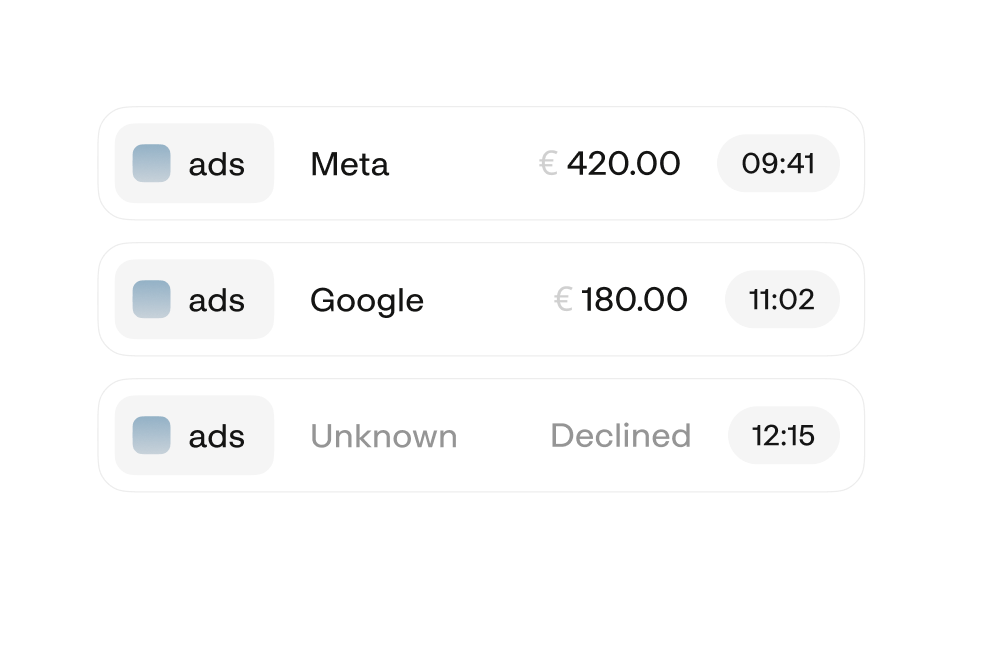
Each payment shows up with the reason it was approved or declined.
What you get
A dedicated card for each agent, so one compromised agent never exposes the others.
Allow only the merchants and categories the job needs.
Create a card for one purchase that expires right after.
When a payment is declined, you and the agent see exactly why.
Install the SDK or connect any agent through MCP. Try everything in the sandbox before you go live.
Coming with the sandbox
Only where your rules allow. Cards can be locked to specific merchants, categories or countries.
Cards are issued by a licensed card issuer and run on major card networks. Captal sets the rules on top.
Freeze the card in one tap, or let Guard do it automatically.
Issue your first agent card and lock it to one merchant.