Connect accounts and cards
Read-only by default. Nothing moves without a rule.
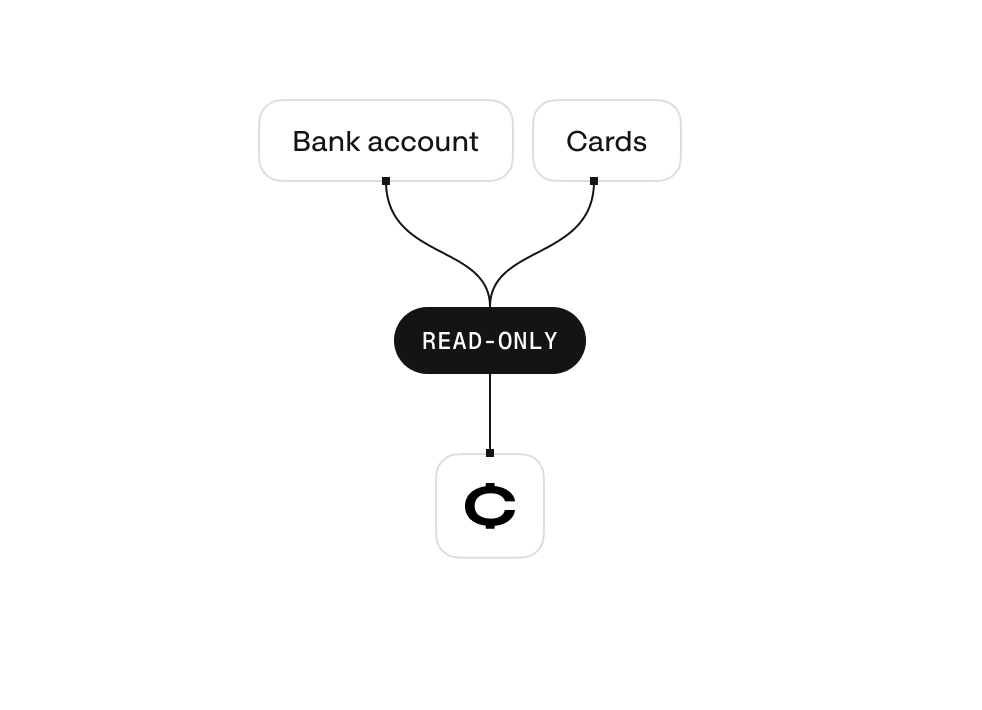
Give your agents the financial context they need. Balances, transactions, invoices and budgets, cleaned and labelled, so an agent knows what is available and what is already paid before it acts.

How it works
Read-only by default. Nothing moves without a rule.
Transactions are categorised and matched to suppliers, invoices and budgets.
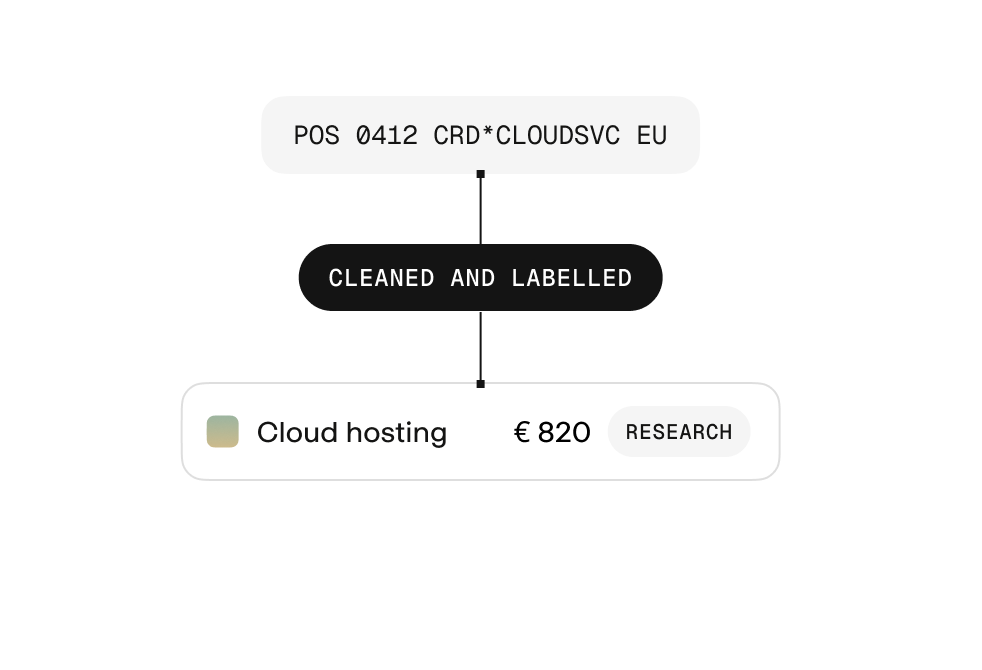
Through MCP or the API, in a format language models understand.
What you get
Merchants, categories and invoices matched for you.
The real amount left, after pending payments and budgets.
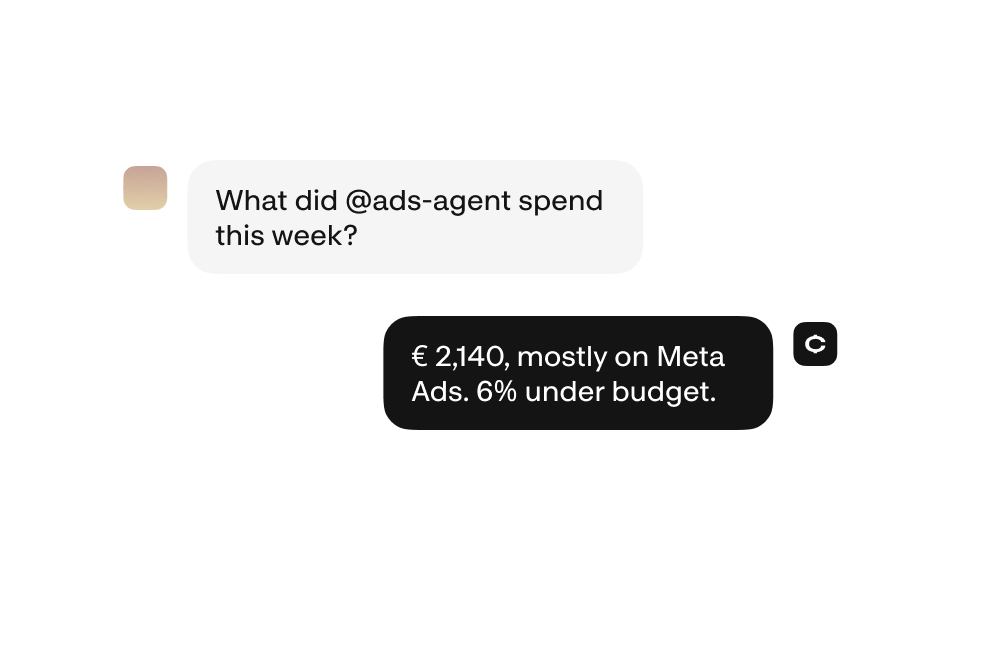
Plug the data into any agent through MCP or the API.
Agents can read context without being able to move money.
Install the SDK or connect any agent through MCP. Try everything in the sandbox before you go live.
Coming with the sandbox
From the accounts and cards you connect, plus the payments made through Captal.
No. Data is read-only. Moving money always goes through your rules.
Raw exports are messy and miss context. Captal adds categories, suppliers, invoices and budgets, so answers are reliable.
Connect a test account and query it from your agent.